

Receiving Webhooks
Everything INFONITE does takes as long as an institution takes: an execution runs for seconds or minutes, a session waits for a person. So the first integration decision is not how do I start a run — it is how do I find out it is done.
There are exactly two answers, and they are the two the industry already has names for.
Synchronous and asynchronous
They are not exclusive, and most production integrations use both. Webhooks are the design — they are what you build the happy path on. Polling is the recovery: if your endpoint was down when an event fired, the state endpoint is the authoritative answer, whatever you missed. Neither replaces the other, and turning webhooks on changes nothing else — with no rules configured nothing is delivered, and your executions and sessions run exactly the same.
A webhook is not the widget’s redirect, and they are not alternatives.
The redirect is a browser event: the person finishes in the widget and their browser navigates back to a page of yours. It tells you a human is done looking at something — it is not a completion signal, it carries no records, it never reaches your backend on its own, and it does not happen at all if they close the tab.
A webhook is a server-to-server call: our servers call yours, over HTTPS, when the event fires — whether or not anyone still has a browser open, and on runs like direct executions where there is no browser in the picture to begin with.
Use the redirect to put the person back where they belong. Use the webhook — or polling — to find out what came back.
This page is how you set the asynchronous side up. What each product sends you is on its own page, linked at the end.
Two pieces, on purpose
With no rules configured, nothing is delivered. A rule is the switch: an endpoint on its own receives nothing until an event is bound to it.
Setting it up
Open your application's settings
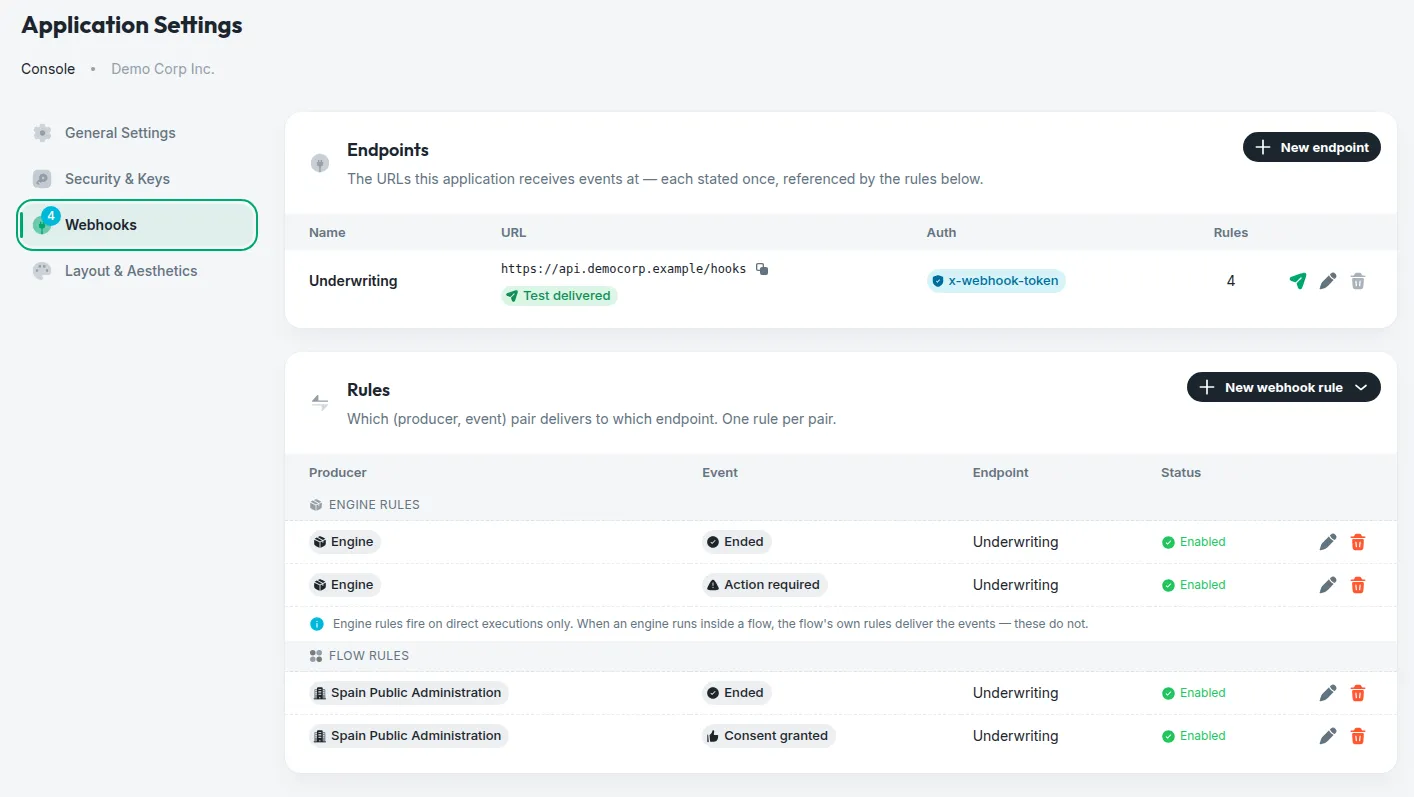
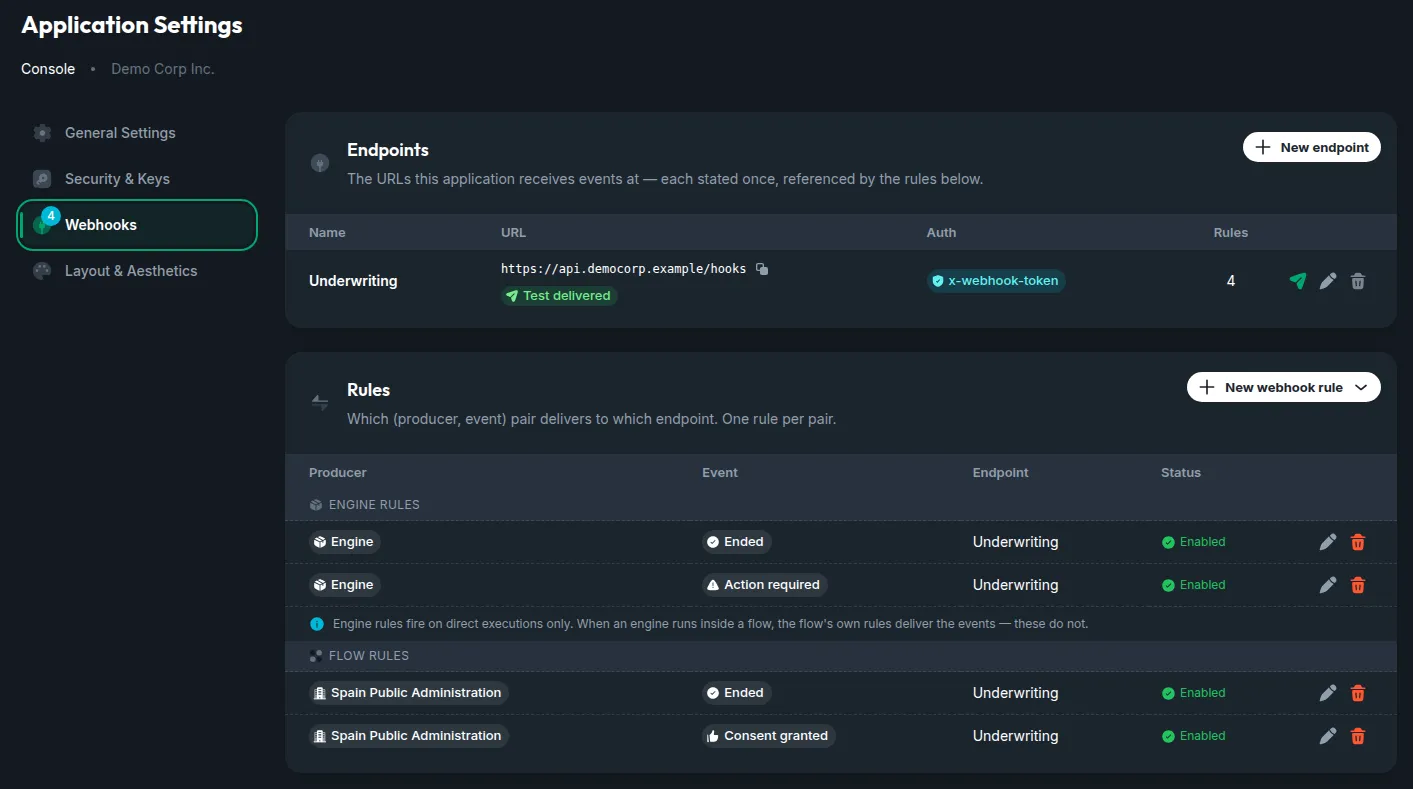
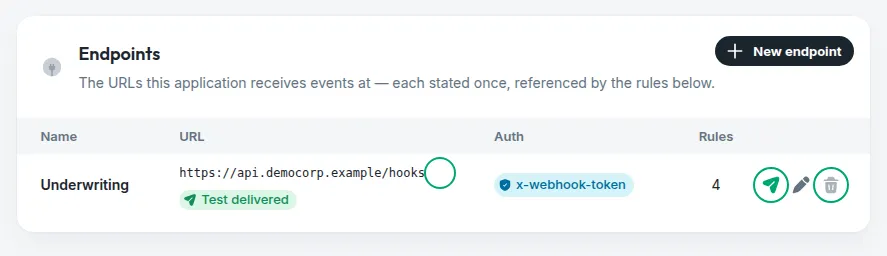
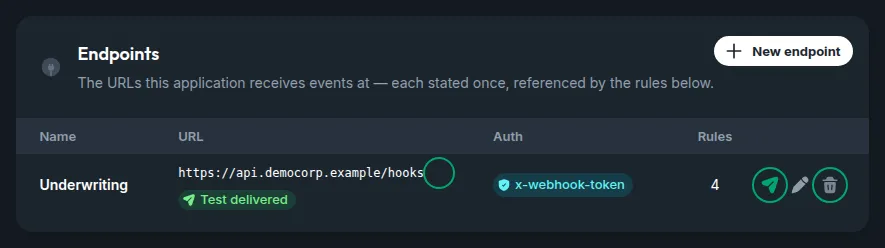
Console → your application → App settings → the Webhooks tab. Everything below happens on that one screen: endpoints at the top, rules underneath — and the number beside the tab is how many events are bound right now.
Register an endpoint
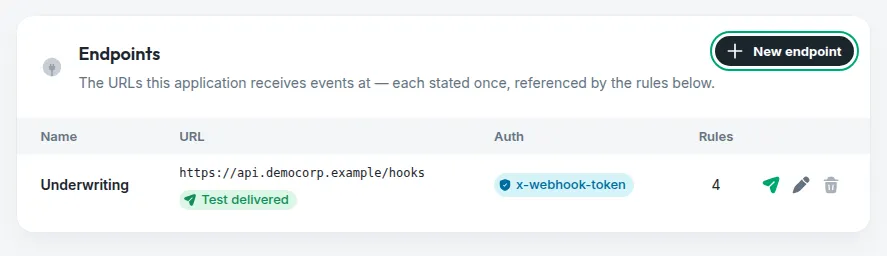
New endpoint, then a name (how the rules will refer to it) and the public HTTPS URL. If you add an authentication header, its name is lowercase — authorization or a custom x-… — and its value is write-only: it is stored encrypted and nothing in the platform will ever read it back to you. Keep your own copy when you mint it.
Send a test delivery
Every endpoint has a test action. Use it before you bind anything: it proves the URL resolves, that TLS is valid and that your handler answers 2xx — and it shows you the status we got back. A destination that fails the test will fail every real event.
If the test never arrives, look at your firewall first. Every delivery leaves from a fixed set of addresses, and the Console lists them on this same screen — allow-list them and try again.
Bind the events you want
New webhook rule opens a choice before anything else, and it is the one that matters: an engine rule or a flow rule.
- An engine rule binds an execution event —
started,action_required,auth_ended,ended— and fires on direct executions. - A flow rule binds one flow’s own events, and fires on that flow’s sessions.
Then the event, and the endpoint it delivers to. The table keeps the two families apart for the same reason: they are two vocabularies, not one list. Leave a rule disabled while your handler is not ready — it changes nothing else.
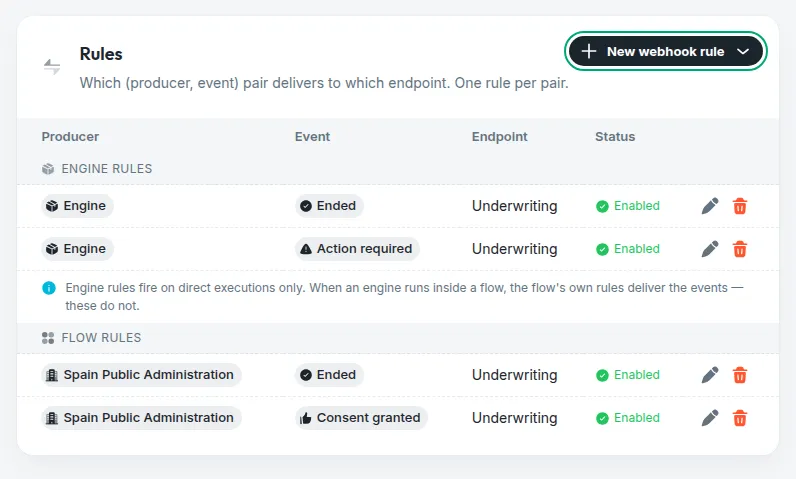
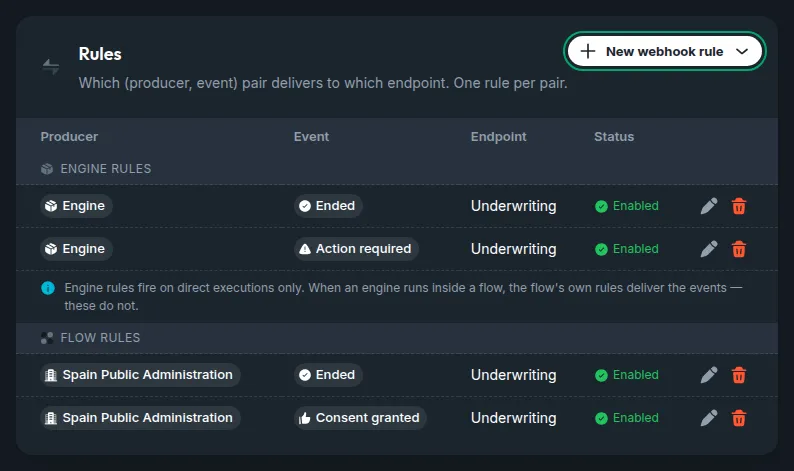
Engine rules fire on direct executions only. When an engine runs inside a flow, the flow’s own rules deliver the events and the engine rules do not — otherwise one journey would notify you twice, from two vocabularies.
The destination URL
HTTPS, to a public host
Plain http, private addresses (10.x, 192.168.x, 172.16-31.x), loopback and link-local ranges, and internal-only names are all refused. A stored destination is fired from inside our platform, so it has to prove it points at the open internet.
No query string of its own
Register https://api.yourcompany.com/webhooks/infonite, not …/infonite?source=x — a query string you store is removed. The query string belongs to the delivery, which fills it in at send time, and a stored one could only collide with it.
Template variables, if you want them in the path
Parts of the URL can be replaced with the event’s own values before the call is made — {customer_id}, {event}, {app_id} and more. The list is per product, because the values are: direct executions, Spain Public Administration.
Authenticating the call
Your endpoint is on the public internet, so it needs to know that a delivery really came from us.
Pick the header
Either authorization or a custom x-… header of your own — x-webhook-token, x-infonite-signature, whatever your gateway already understands. Headers the delivery itself owns (Host, Content-Type) cannot be overridden.
Never put credentials in the URL. A destination like https://user:pass@api.yourcompany.com/hook is refused: it would be stored in clear and shown on every read, which is the opposite of what the encrypted header beside it is for. The same goes for a token in a query parameter.
Where the calls come from
Deliveries leave our platform from a fixed set of addresses. If your endpoint sits behind a firewall that only accepts known sources, allow-list all of them:
The same list is in the Console, on your application’s Webhooks screen, beside the endpoints — that copy is the one to trust if this page and that screen ever disagree, and it is where a change would appear first.
An allow-list is a filter, not an authentication. It proves a request came from INFONITE’s infrastructure — not that it came from your application, and not that the body was not tampered with. Keep the endpoint’s authentication header: the allow-list narrows who can reach you, the header proves who is calling.
Answering a delivery
Answer 2xx as soon as the payload has reached you — and use the answer for nothing else. Your response acknowledges receipt; it is not the place to report whether you managed to process what arrived. Whatever goes wrong on your side afterwards — a field your code expected and the event did not carry, a database that was down, a rule of your own that rejects the data — catch it, log it and deal with it there, but still answer 200, 202 or any other status from 200 to 299. Any other answer is recorded as a failed delivery in our delivery statistics, even though the event did reach you — and those records are where support starts when something looks wrong.
The handler that gets this right does four things, in this order:
- Verify the authentication header — the one refusal that belongs in the response: a
401for a call that is not ours. - Store or queue the payload exactly as it arrived, before reading anything in it.
- Answer
202. - Process it afterwards, in a job that owns its errors.
Fields documented as optional can be absent. A handler that requires one fails on your side, which is one more reason for the parsing to happen after the acknowledgement, never before it.