

Widget Redirection & Completion
Configure client-side redirection and post-session behaviors once a widget flow finishes
A Financial Rider session lets you control where your customer’s browser goes once they finish in the widget — or leave it. This is done with completion settings when the session is created.
A redirect moves your customer’s browser, not your data. It reaches your web page, not your backend, it carries no records, and it does not happen at all if your customer closes the tab instead of finishing. The results reach you the other two ways: a webhook our servers send to yours, or polling the session.
When a session ends, two separate things happen, in two separate places:
So use both: the redirect to put the person back where they belong, and the webhook to find out what came back. And keep their settings apart — the completion URL is per session, the webhook endpoints are configured once on the application.
Redirection Settings
When calling Create Session, you can customize redirection behaviors under the settings object using the following parameters:
completion_mode: What the widget does at the end — stay on its final screen, redirect in the same tab, or open a new one: the three modes.completion_url: The destination URL to navigate to (required if redirecting). Supports dynamic template variables in the URL path — the query string is built separately, fromcompletion_extra_data.completion_extra_data: A dictionary of key-value pairs. All keys and values are automatically serialized into query parameters and appended to the final redirect URL. Values in this dictionary support dynamic template variables.
An unregistered completion_url fails the session, not the redirect.
To prevent open-redirect vulnerabilities, the completion_url must match one of the URLs registered on your application. It is checked when the session is created: Create Session answers 400 redirect_url_not_allowed_by_app and no session is created at all. So this is something you configure once, before your first redirecting session — not something a user discovers by never coming back. Where to register them.
Where to register them
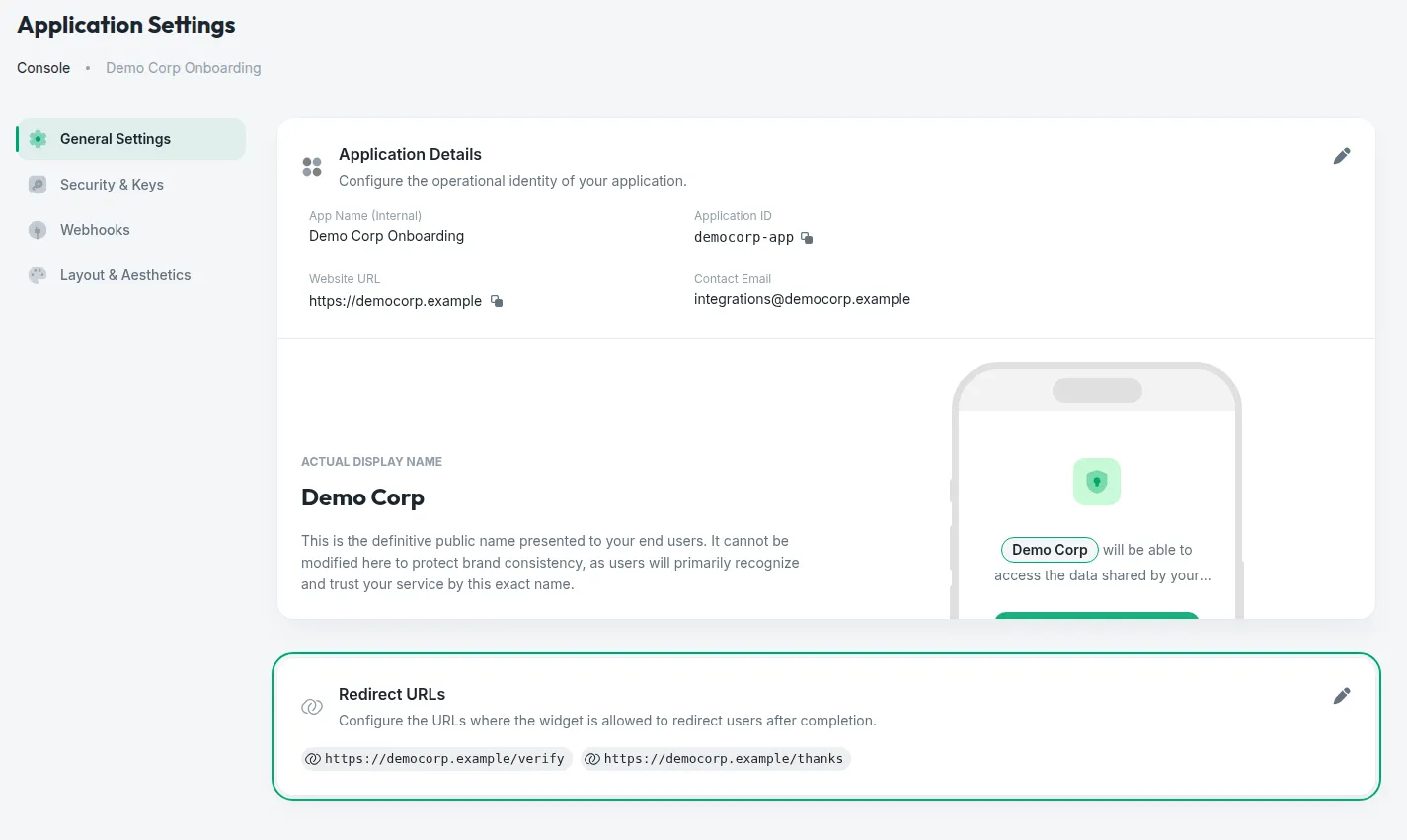
Open your application's settings
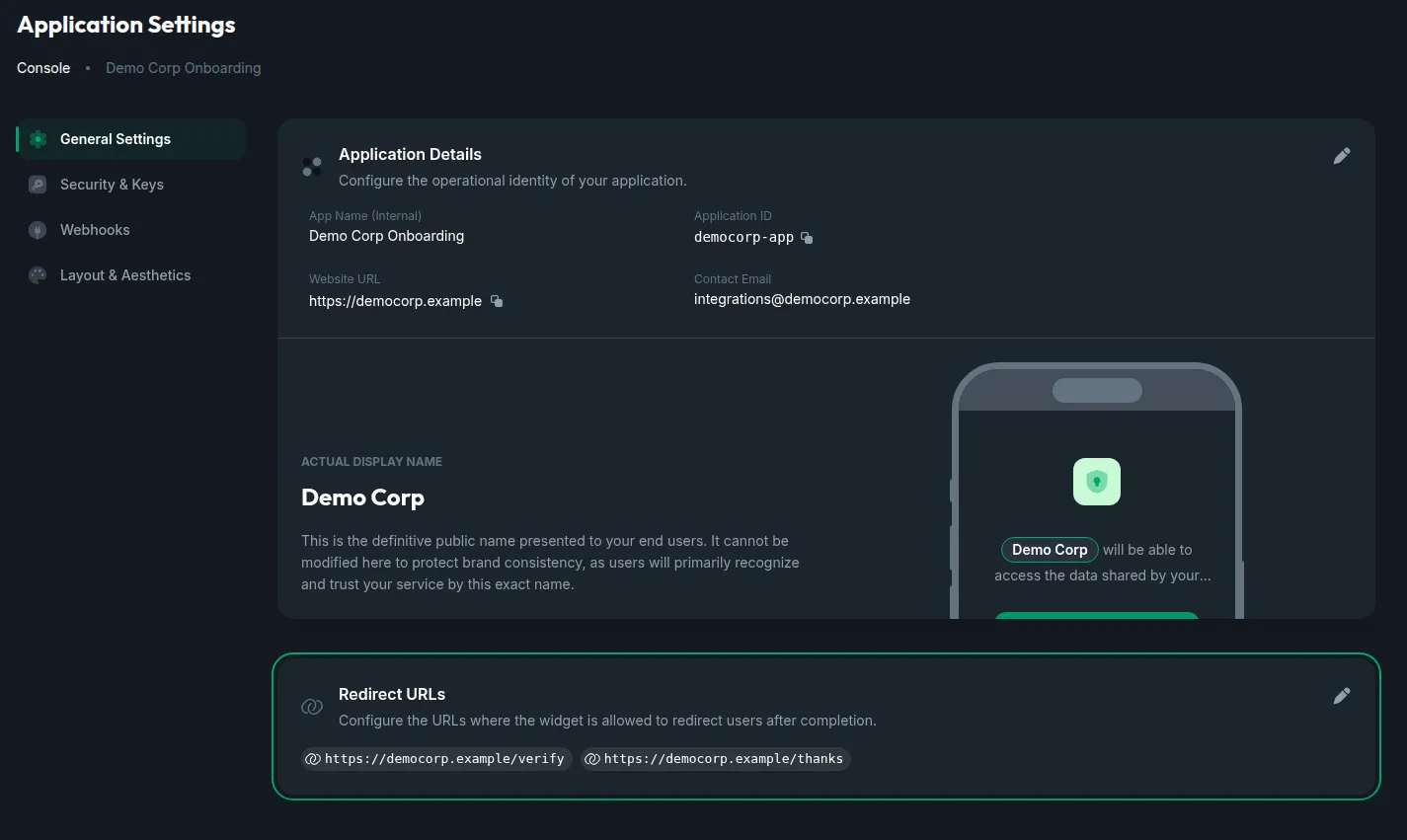
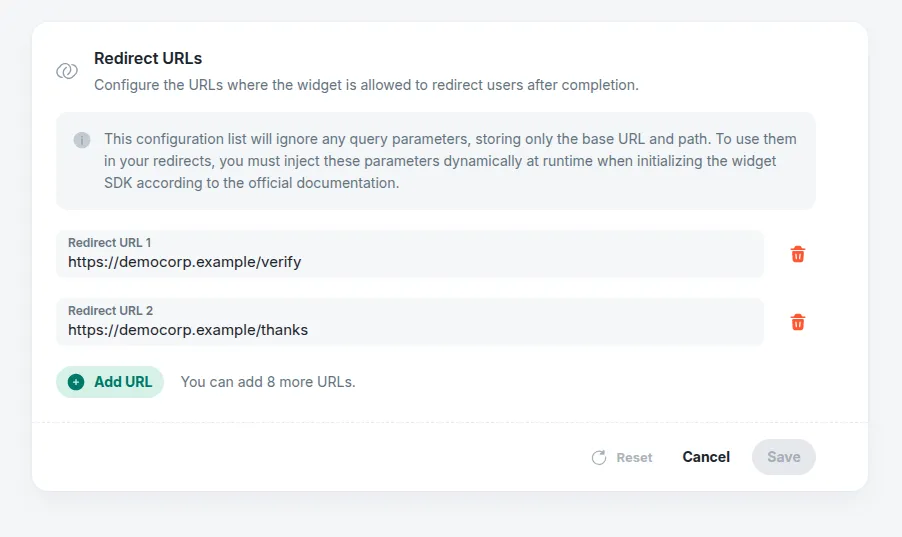
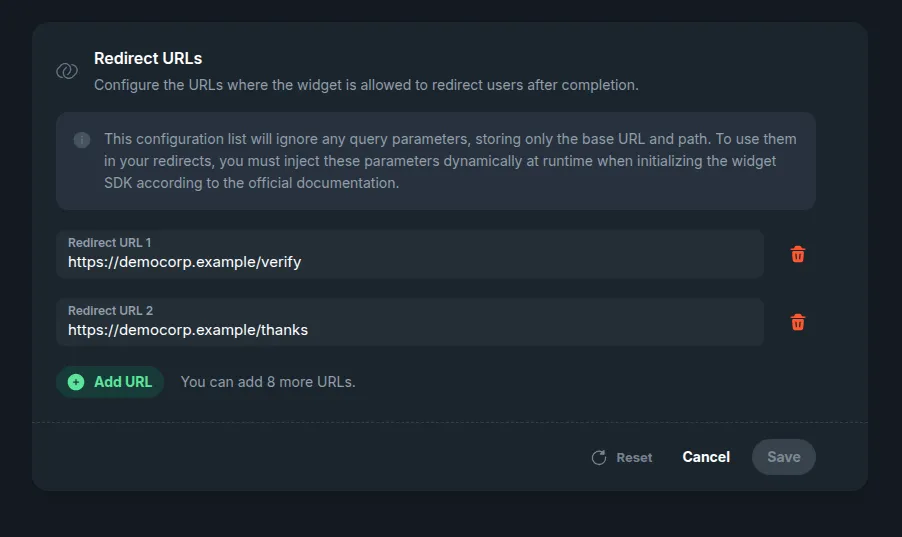
Console → your application → App Settings → the General Settings tab. The Redirect URLs card sits under the application’s details, and the URLs registered right now are listed on it.
What is stored, and how it is matched
- The query string is dropped on the way in.
https://portal.mycompany.com/verify?token=123is stored ashttps://portal.mycompany.com/verify. That is deliberate: a real redirect’s query is built at runtime fromcompletion_extra_data, so it cannot be known here — and pinning it would make every session fail. - The match is the origin, then a prefix of the path. A
completion_urlis allowed when it has the same scheme, host and port as one of the registered entries and its path starts with the entry’s path. That lets the runtime query string through, and the path is the knob for how wide you open the door:https://portal.mycompany.comallows every URL on that host, whilehttps://portal.mycompany.com/onboarding/allows only that branch. A host that only starts like a registered one —https://portal.mycompany.com.example.org— is another host, and is refused. Register the narrowest prefix that covers your flows. - Only
httpandhttps, and the URL must carry a host. A URL that is not one of those two schemes is refused when you save it. - The same list serves every flow. The redirect URLs belong to the application, so a URL registered for another flow already works here.
- A third-party destination is a redirect URL too. The WhatsApp examples below send the person to
https://wa.me/…, which meanshttps://wa.me/has to be on this list like any other destination.
Completion Modes
You can specify how the widget behaves upon exit by setting completion_mode to one of the following values:
Either way, the final screen keeps a link to the completion_url, for when the browser does not follow the redirect.
Prefer redirect over redirect_blank
Modern web browsers restrict scripts from automatically opening new tabs (window.open(..., '_blank')) unless triggered by a direct user action (like a click). Since widget redirection is automatic upon flow completion, browsers might block redirect_blank as a popup.
In an iframe, leave the redirect to your page
A redirect navigates the widget’s own window, so inside an iframe only the frame moves — and many destinations refuse to be shown in one: WhatsApp, for instance. Set completion_mode to do_nothing and move your page yourself when the financial-rider:ended message arrives.
Dynamic Query Parameters & Templating
The template variables can be used in two ways:
- Directly in the URL: Interpolated within the
completion_urlstring, in the URL path. - In Extra Data values: Interpolated inside the values of the
completion_extra_datadictionary.
Additionally, the completion_extra_data dictionary is automatically converted to query parameters and appended to the final URL.
Do not put a query string on completion_url — it is dropped. The URL is stored without it, exactly as registered redirect URLs are, and the final query is assembled from completion_extra_data alone. Everything you want in the query goes there.
Available Template Variables
{app_id}: The unique identifier of your application.{customer_id}: The customer ID associated with the session.{session_id}: The widget session ID.{status_code}: The final status code of the session (e.g.COMPLETED).
Example Parameter Mapping
The settings below are shown alone: in a real request they sit inside settings beside the rest of the session’s configuration — the banks to offer and the features to read.
The template variables are resolved and the dictionary is serialized into query parameters, redirecting the user to:
Data Security Warning
All redirect parameters, whether interpolated directly in the completion_url path or passed via the completion_extra_data dictionary, are exposed in the final browser URL query string. This makes them visible in browser history, network logs, and referrer headers. Never pass sensitive personal data (such as names, emails, phones, IBANs or DNI numbers) as template variables. Use generic identifiers like {session_id} and fetch the results securely on your backend.
Real-World Examples
Each example shows the redirect settings alone: in a real Create Session request they sit inside settings, beside the banks to offer and the features to read. Any destination works the same way, a third party’s included, as long as it is registered.
Redirecting to WhatsApp
A WhatsApp chat is a destination like any other: the session ends on it, with a message already written for your number — the session ID in it, so whoever answers knows which session is writing. WhatsApp offers two addresses, and either one has to be registered first.
WhatsApp opens in the person’s browser or app, never inside a frame. If you embed the widget in an iframe, send the person to WhatsApp from your own page when the financial-rider:ended message arrives.
Iframe postMessage Events
If you embed the widget inside an HTML <iframe> on your website, the widget sends a JavaScript message to the parent window when it reaches its end screen, regardless of the configured completion_mode. This is useful for programmatically closing the iframe, refreshing parent page components, or showing custom UI elements on the host platform.
Event Message Structure
The widget calls window.parent.postMessage() with:
event: The event identifier string (alwaysfinancial-rider:ended).status_code: The final status of the session (e.g.COMPLETED,FAILED,CUSTOMER_CANCELLED).cursor: The end screen the widget is showing:financial-rider:bye:completed: At least one bank was connected, and its data is ready.financial-rider:bye:failure: The session failed or was cancelled, and there are no results.
This message moves your page, not your data. It carries no results, and it is never sent for a customer who closes the tab instead of finishing — a session that may still complete on its own a few minutes later. The data reaches your backend through the financial-rider:ended webhook, and a session is finished when — and only when — is_closed is true. See Knowing when a session is finished.
Integration Example
To handle the completion event in your host application, register a listener for the window message event: