

Capabilities
Every application starts able to do everything — in sandbox. A capability works there from the first minute, against rehearsal data, and never reaches a real person. Production reach is the part we grant, one capability at a time, and App Settings → Capabilities is where you see what you hold and ask for the rest.
Sandbox is not a trial version of a capability. It is the same code, the same schemas and the same responses; what differs is who is on the other end. That is why you can build the whole integration before asking us for anything.
The screen
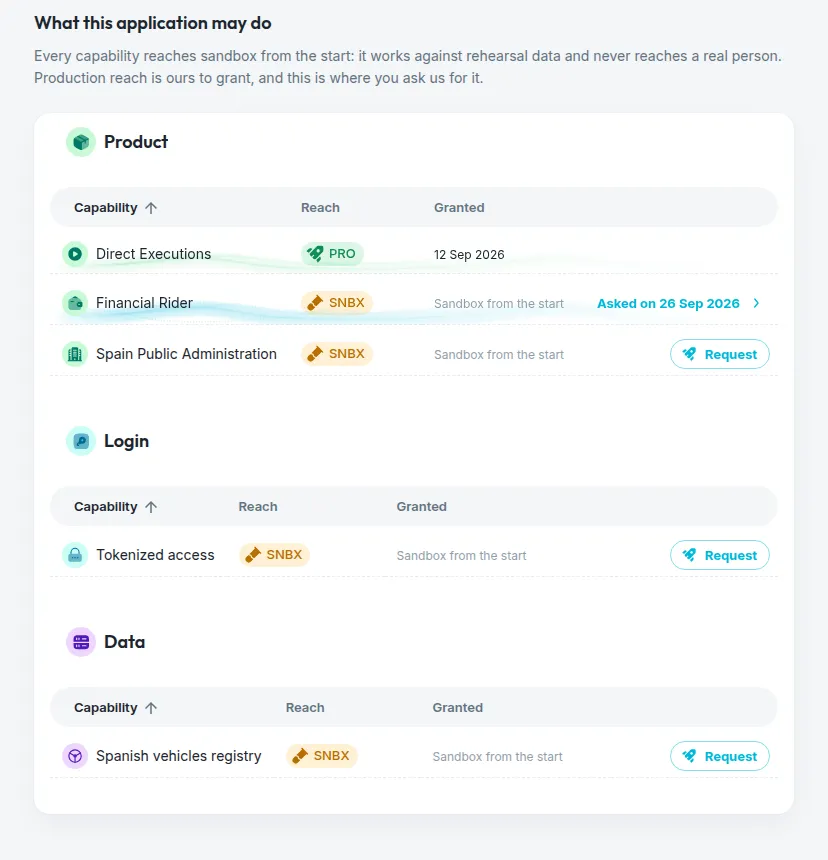
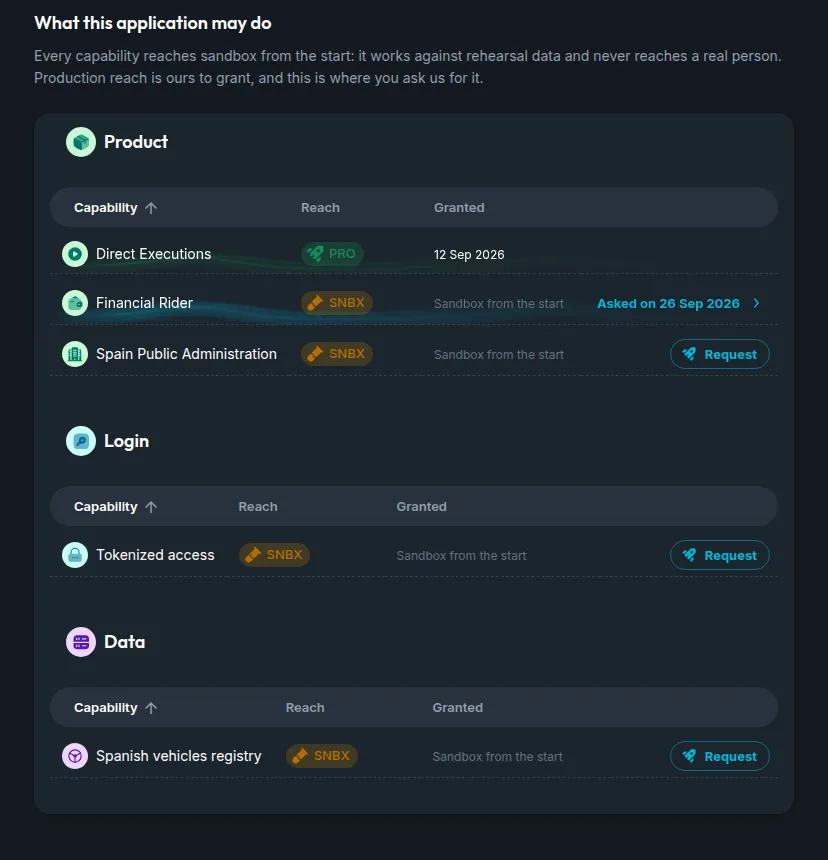
The catalogue is grouped by family, and each row answers three questions:
Anyone on your team sees this screen. Asking is a manager’s act, because it commits the organization — so a developer reads what the application holds without a Request button, which is the answer to a surprising number of “why am I getting a 403”.
Asking for production
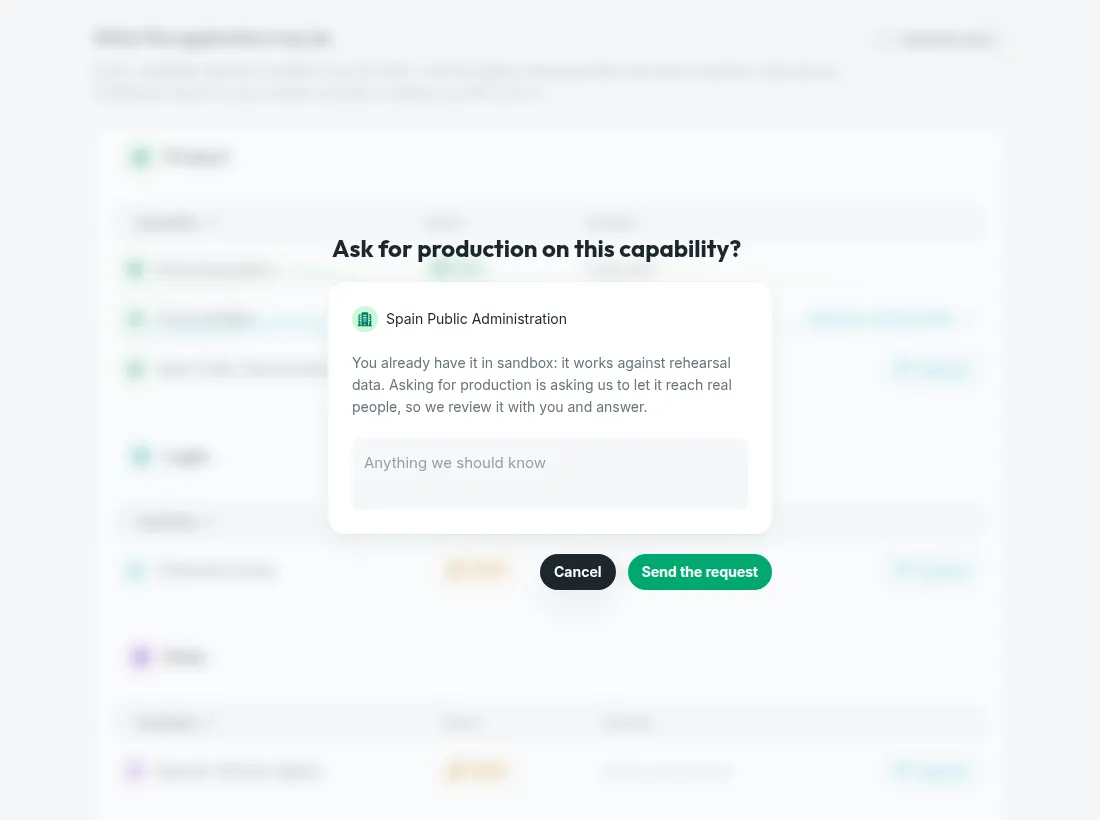
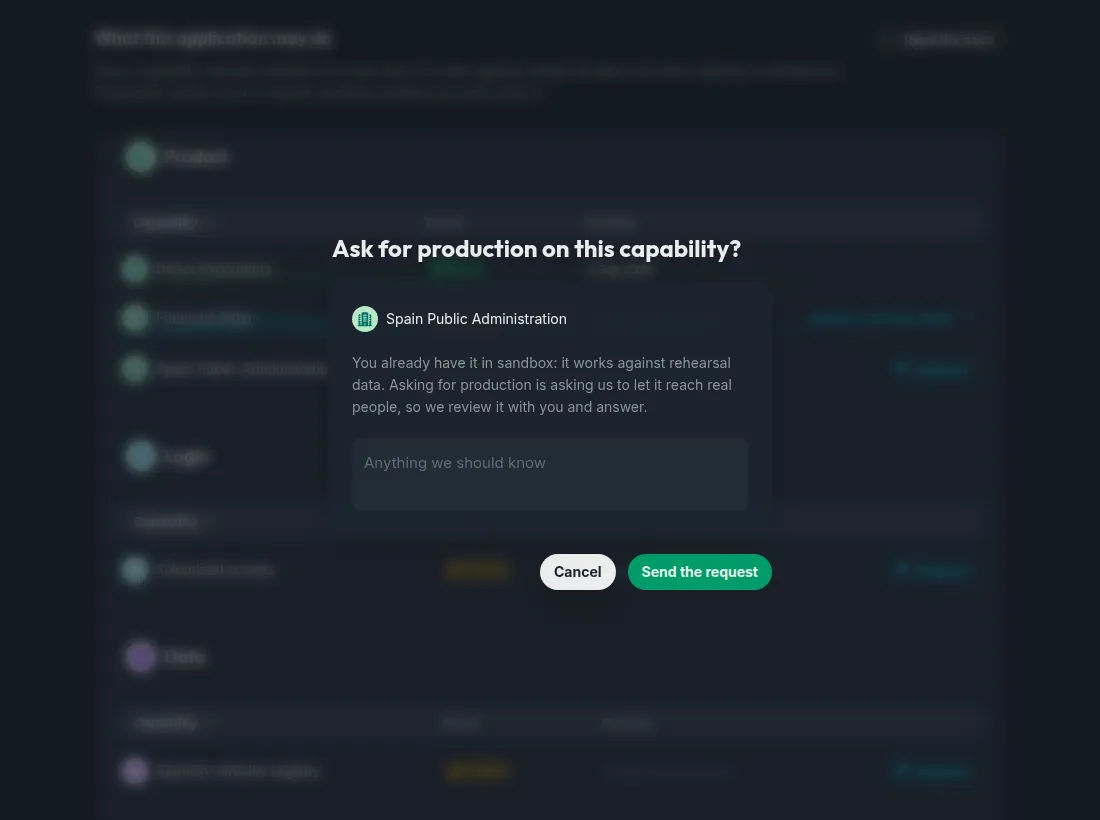
Tell us what it is for
The message is optional, and it is the part a person reads before deciding. What you need it for, when you go live, what you have already tested in sandbox: any of it shortens the conversation.
Going to production is a separate request, and it asks for capabilities too. Moving the application itself to production needs at least one product enabled — an application that is live but can do nothing is not much use — so that form lets you pick the products in the same act, and raises the requests together.
What each family grants
Product
A product is what the application does. Every application needs at least one to be worth moving to production.
Access
How an access is performed, beyond sending the credentials on every run.
Data
A source of ours — data we hold, rather than something extracted from the end user’s own account.
Data enrichment
A pass over data that has already been retrieved. Enrichment never fetches anything on its own: it makes more of what an execution already brought back.
Where a missing capability shows up
Not as an empty response. An API call that needs production reach your application does not hold is refused with 403 and a detail that names the capability — insufficient_capabilities@ followed by its code, the one beside each name in the tables above, and several separated by commas when more than one is missing (insufficient_capabilities@login:tokenized_access,product:financial_rider). The part before the @ never changes, so branch on it. If you meet one in sandbox, it is not a capability problem: sandbox grants them all.
The screen is the fastest way to check. The row says the reach; if it says SNBX and your call needs production, that is the answer.