

Your first application
An application is the unit of everything technical on INFONITE — its own keys, its own webhooks, its own customers, sealed from every other application on the platform (why that matters). You create it yourself, and you can create as many as you need.
Creating one costs nothing and commits you to nothing. A new application runs in the sandbox against rehearsal data, so the whole integration can be written and tested before anybody at INFONITE is involved.
Creating it
From the application selector at the top of the Console, Create new app at the foot of the list — and if your organization has none yet, the Console offers it on the screen that says so. It opens over whatever you were looking at; closing it puts you back there.
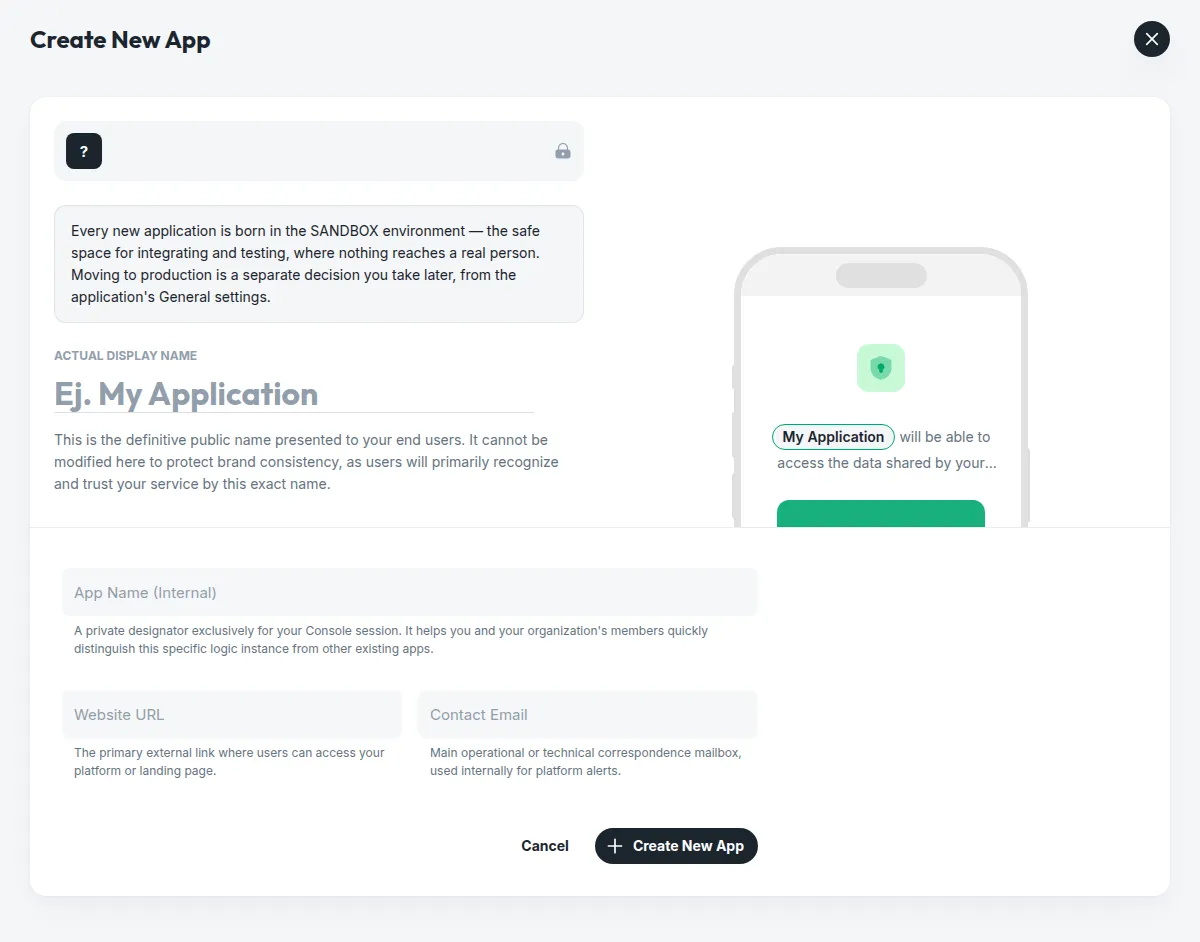
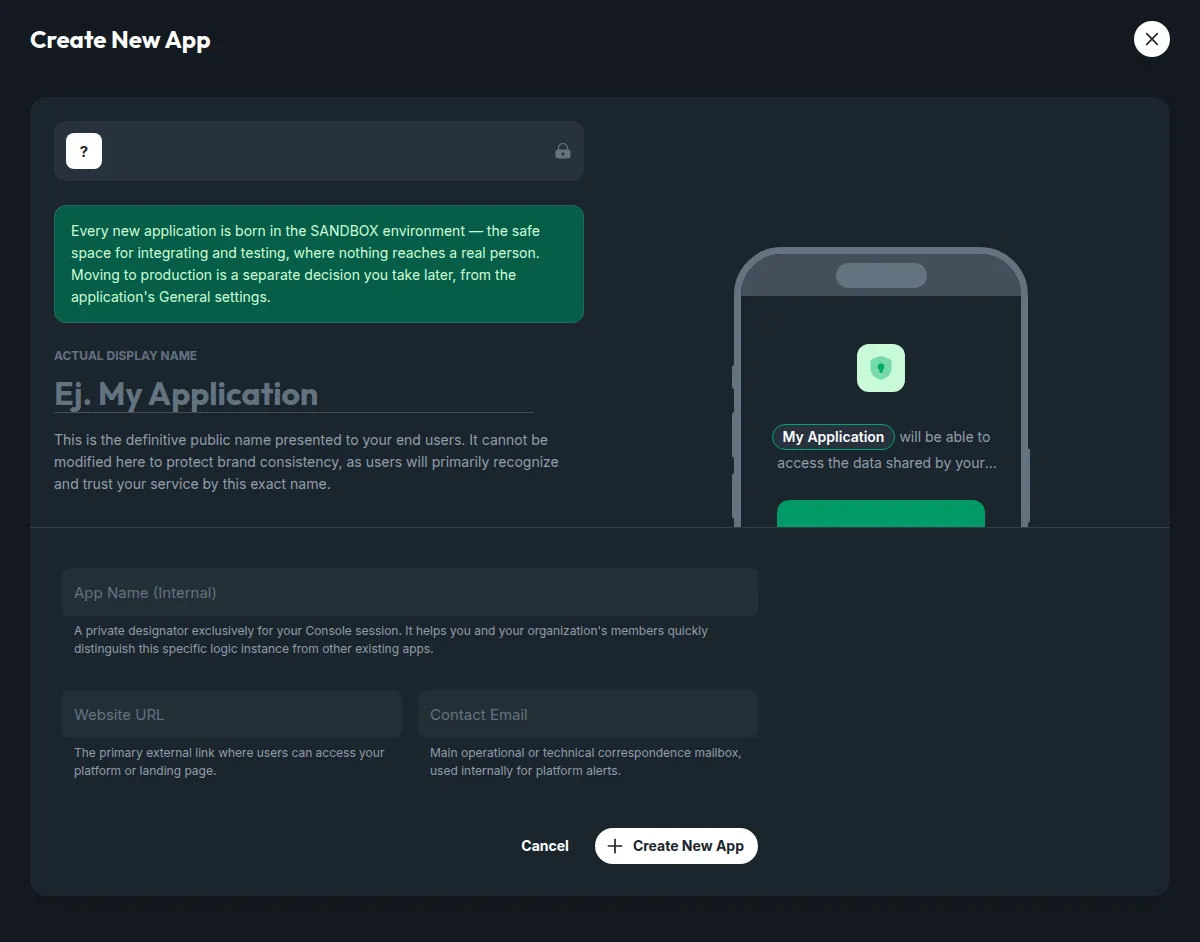
The public name — choose it carefully
It is what your end users read on the consent screen, and the phone beside the field shows them reading it as you type. It is frozen once the application exists: people recognise your service by that exact name, so it is not ours to let you change quietly. Everything else on the screen can be edited whenever you like.
What it can do straight away
Everything — in the sandbox. Every capability is available from the first minute, against rehearsal data that never touches a real institution or a real person. That is the whole point of the environment: you build and test the integration end to end, and the only thing left afterwards is the decision to go live.
Asking for production
Production is a request, not a switch — and it is a conversation, because in production your application reaches real people and their real data. You raise it from the application itself: App Settings → General, on the card that carries the public name.
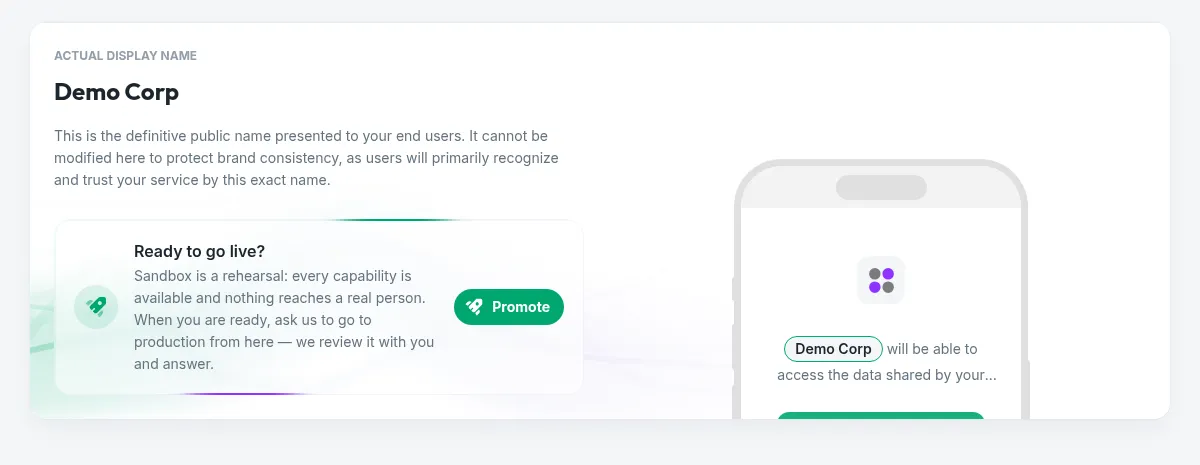
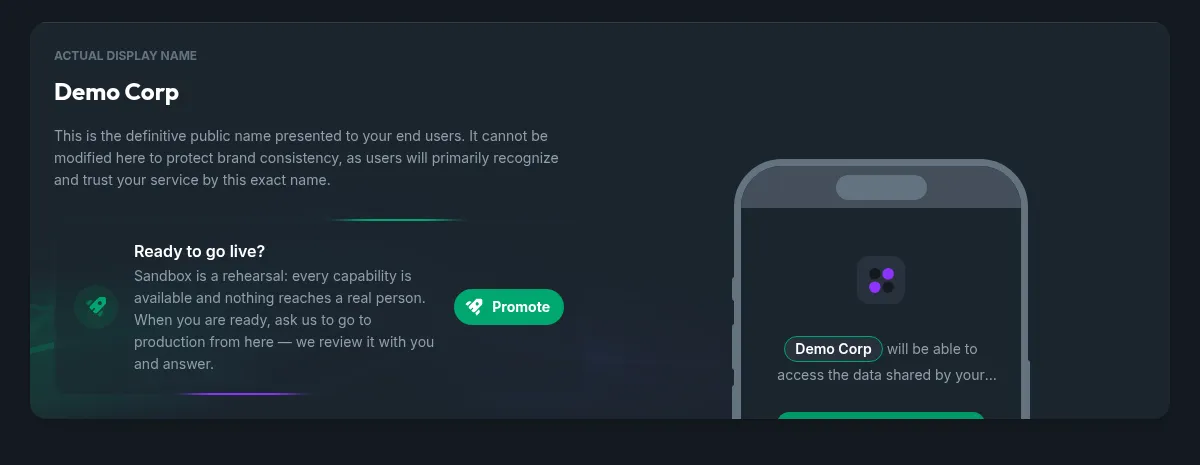
Promote opens two steps.
Step 1 — What gets protected
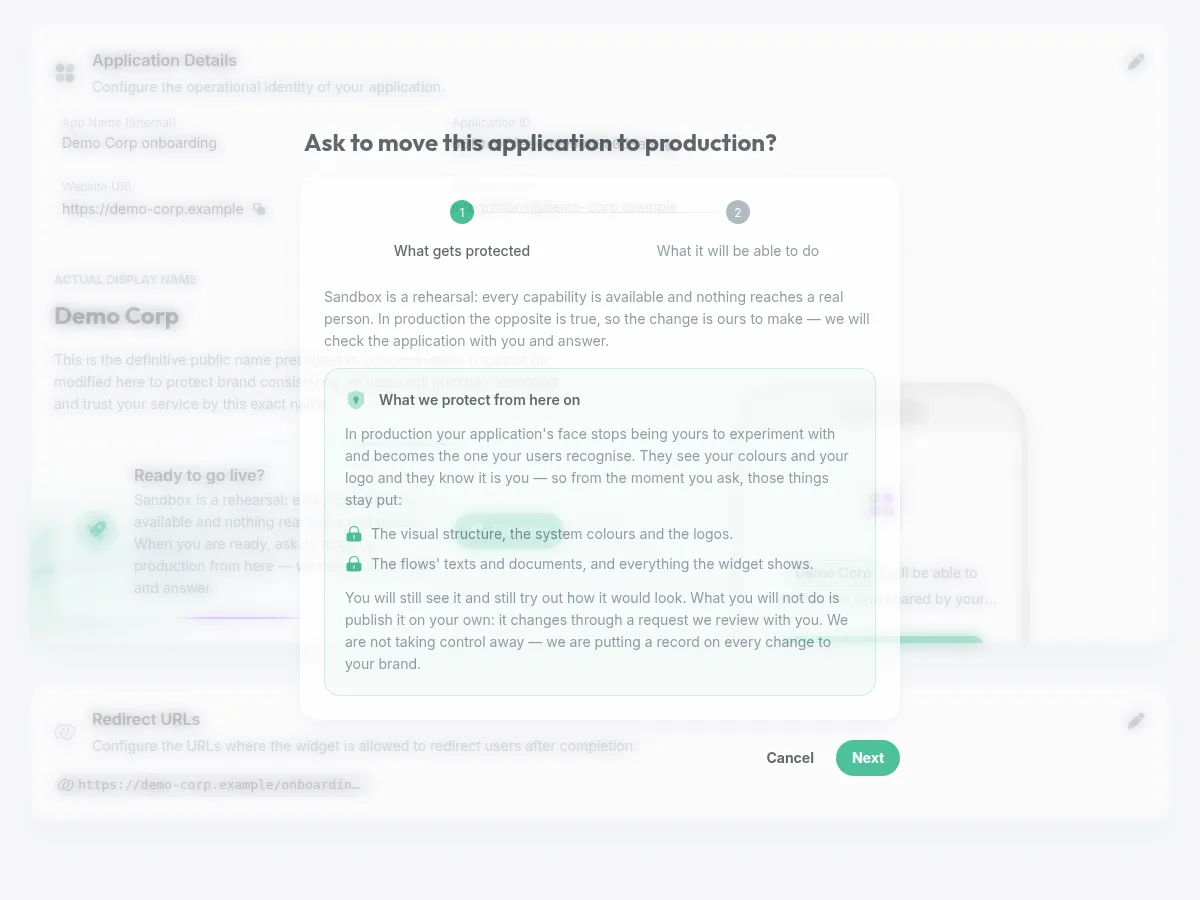
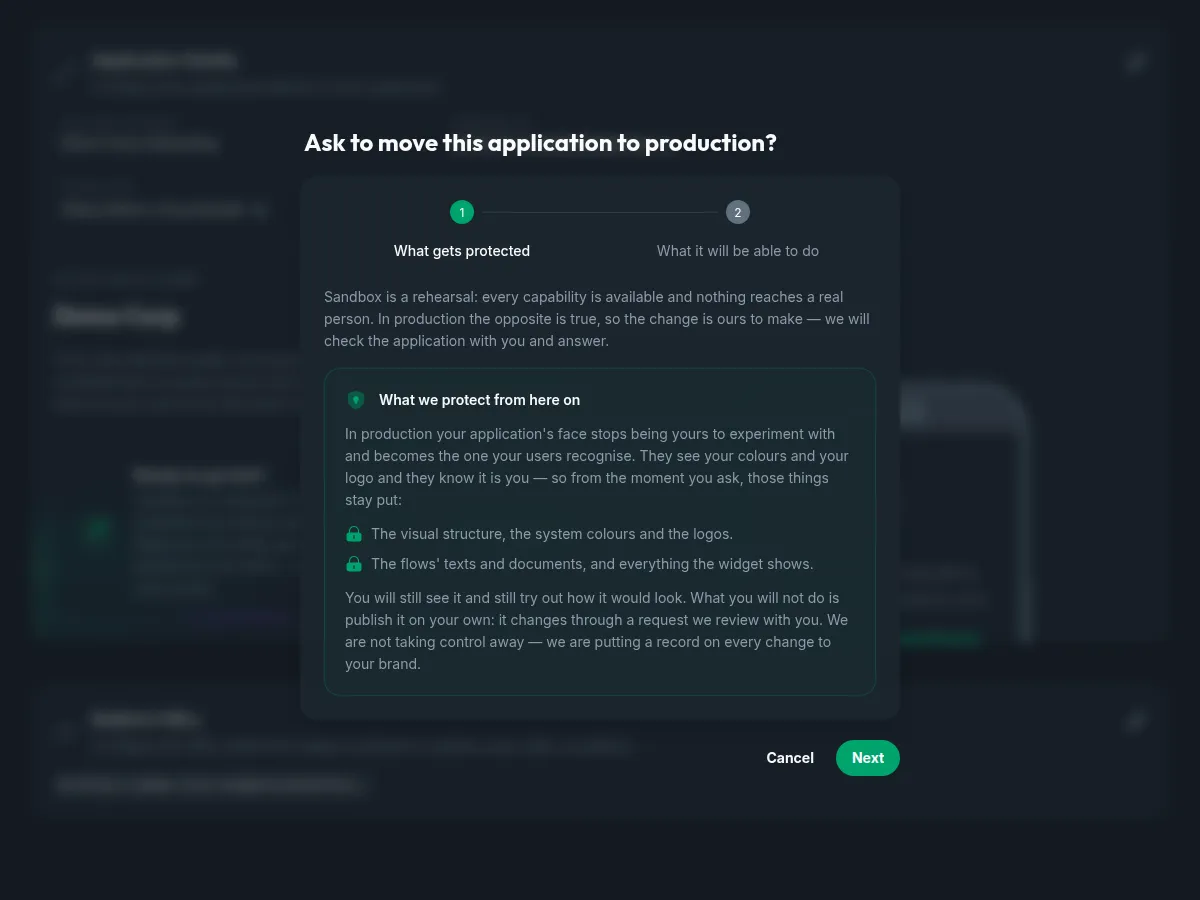
From the moment you ask, the application’s face stops being yours to change on your own: the visual structure and the system colours, the logos, and the texts and documents the widget shows. Your users recognise your service by those, and a live brand that can change without anyone reviewing it is a brand nobody can vouch for.
You keep seeing it and keep trying out how it would look. What changes is that publishing goes through a request we review with you — a record on every change to your brand, rather than a door that closes.
The freeze starts with the request, not with the approval. While an ask is open the aesthetics are already read-only. If that turns out to be too early for you, the request can be withdrawn from the same card — the corner × — and the application goes back to being fully yours.
Step 2 — What it will be able to do
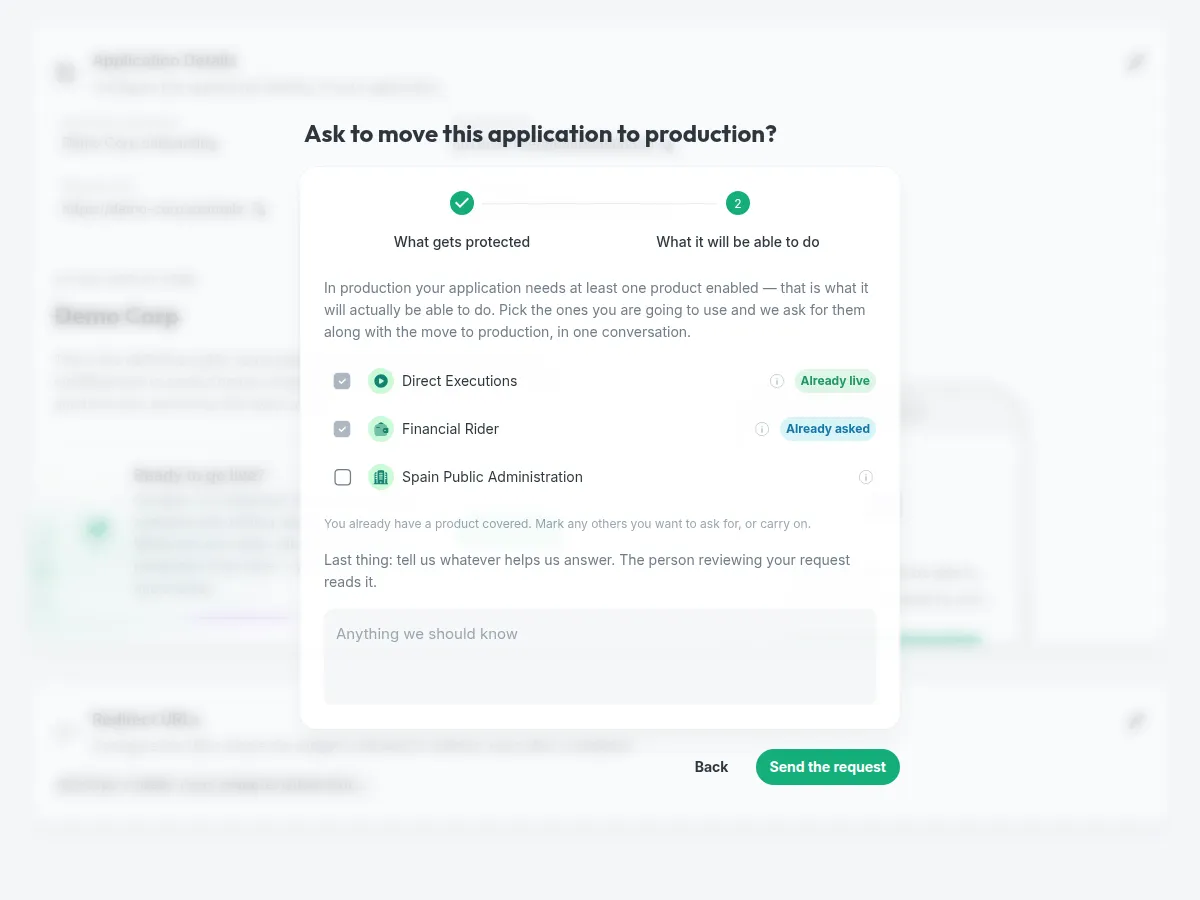
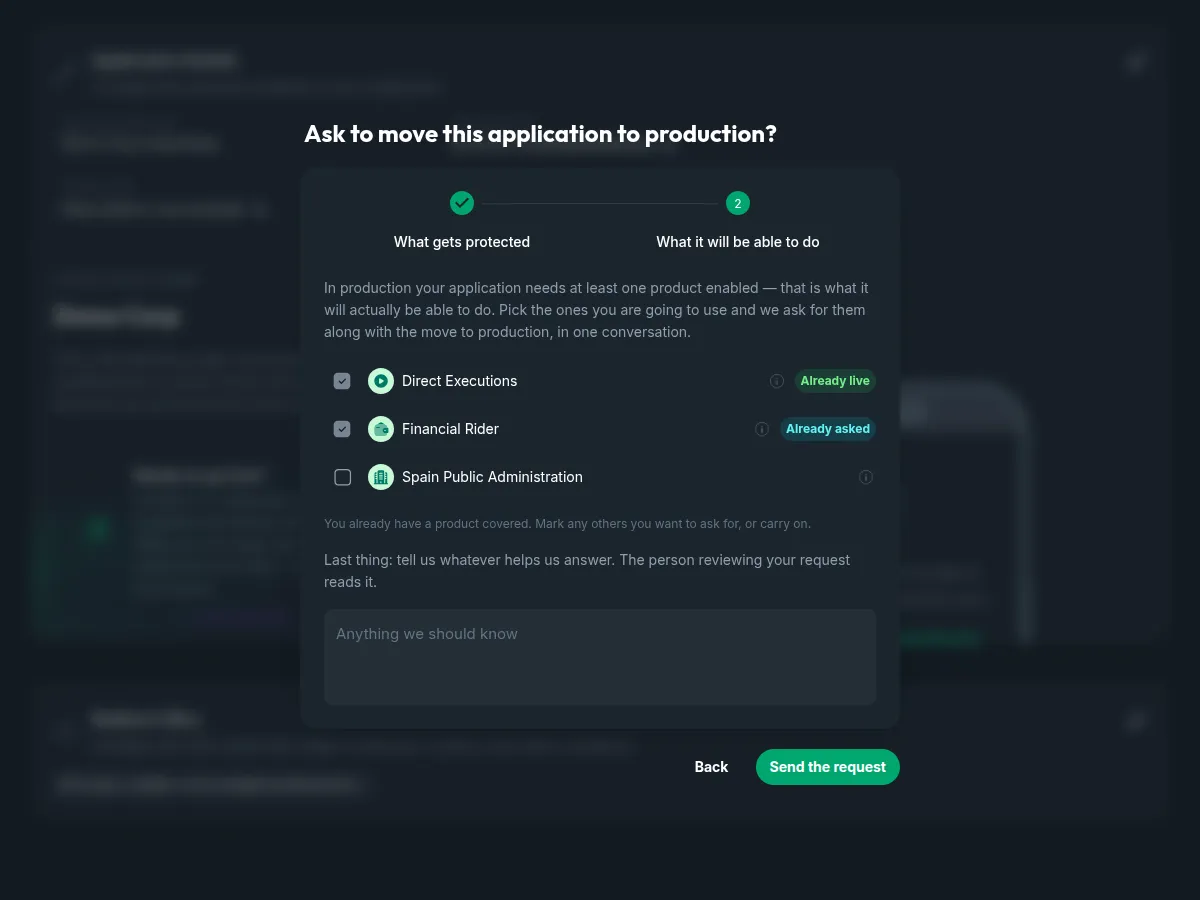
A live application that can do nothing is not much use, so the same form asks for at least one product. Anything already granted or already waiting on us counts — nobody is asked twice for something that is already in our queue — and the rest of the catalogue can be requested any day from its own screen.
The message under it is optional and it is the part a person reads before deciding. What you need it for, when you go live, what you have already tested: any of it shortens the conversation.
While it is with us
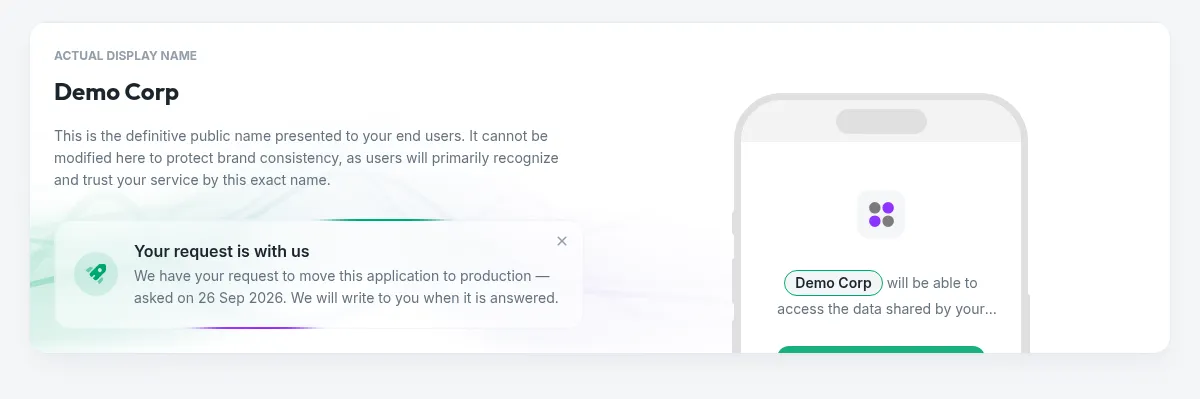
The card says so, with the date. One submit raises several asks — the move to production, plus one per product you ticked — because they are separate decisions: we may grant a product and hold the promotion, or the reverse. Each is answered on its own, and the products are tracked on the Capabilities screen.
Withdrawing the promotion from the × withdraws only the promotion; the product requests stay where they are, and you take those back one at a time from their own screen.