

Security & keys
App Settings → Security & Keys holds two very different things, and it helps to keep them apart from the first minute:
App secrets
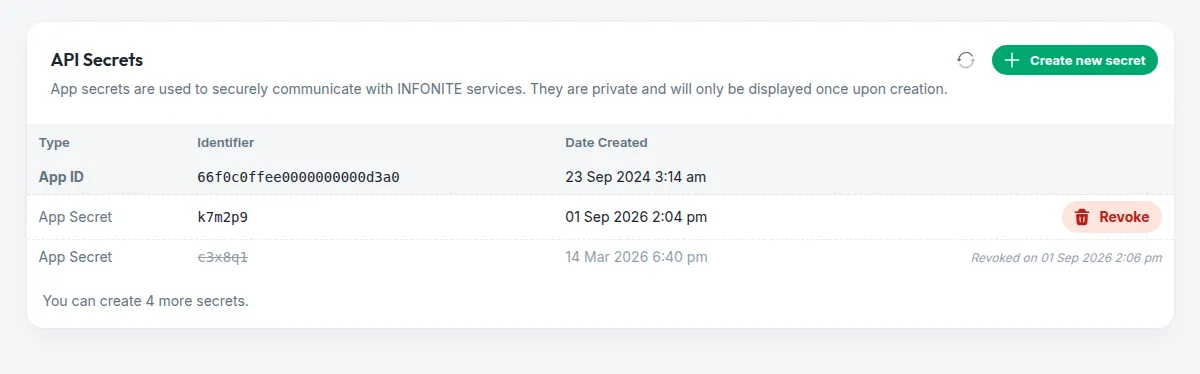
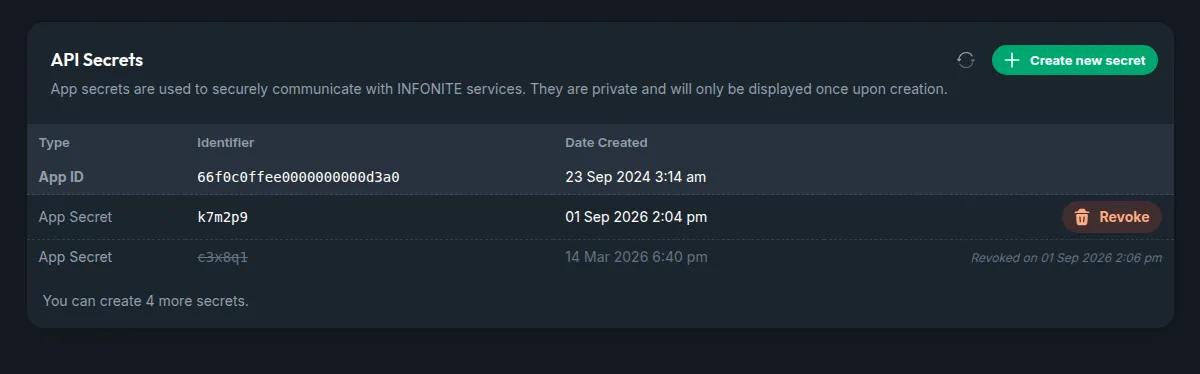
The card lists the Application ID — the line support will ask you for, with a copy button — and every secret the application has held, live or revoked. You will notice the secrets themselves are not there: a secret is shown once, at creation, and never again. What the card keeps is a short identifier, so you can tell them apart when you revoke one.
Create one
Create new secret opens a sheet that explains what the secret grants, generates it and shows it. Copy it there and then; closing the sheet is the last time anyone sees it.
Put it on your server, and nowhere else
It travels in the X-APP-SECRET header of every API call (how the header works). It can start executions for any of your customers and read everything extracted under the application — so it never goes into a browser, a mobile app or a front-end bundle.
Lost a secret, or think one leaked? Revoke it here. The call fails for whoever holds it from that second, with the code app_secret_revoked, and nothing else about the application changes. Then create a new one.
Encryption keys
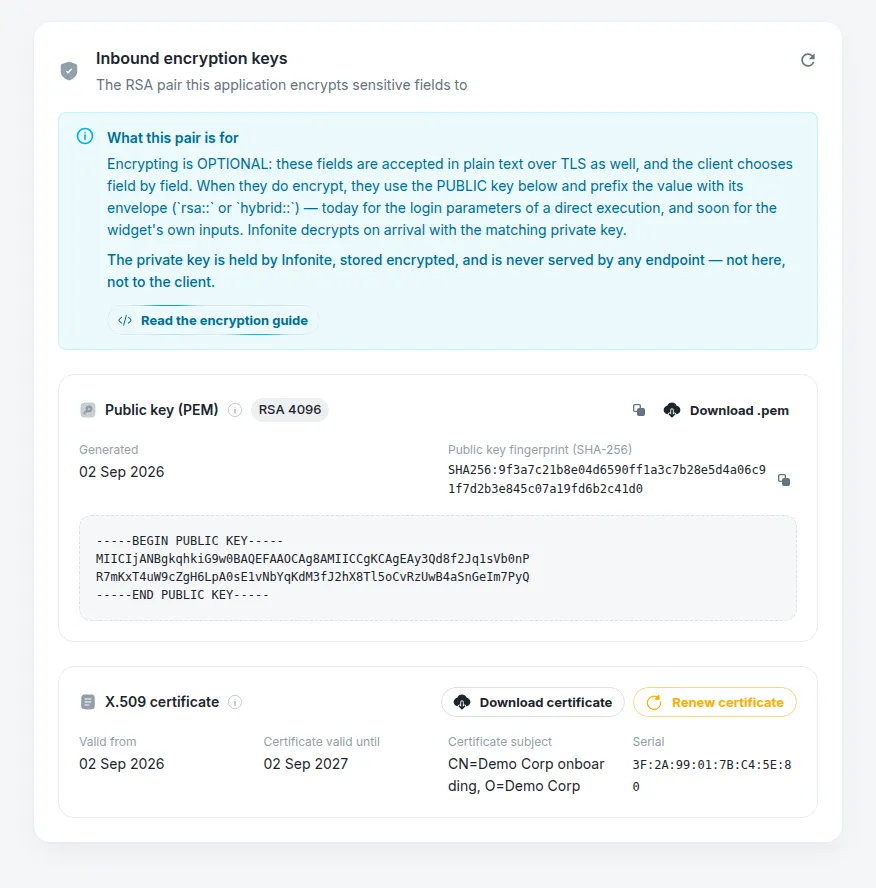
Everything you send us already travels over TLS. The key pair is for the values you want protected even inside the request body — a customer’s bank password, a document number — so that not even an intercepted or logged body reveals them. It is optional, and you choose field by field.
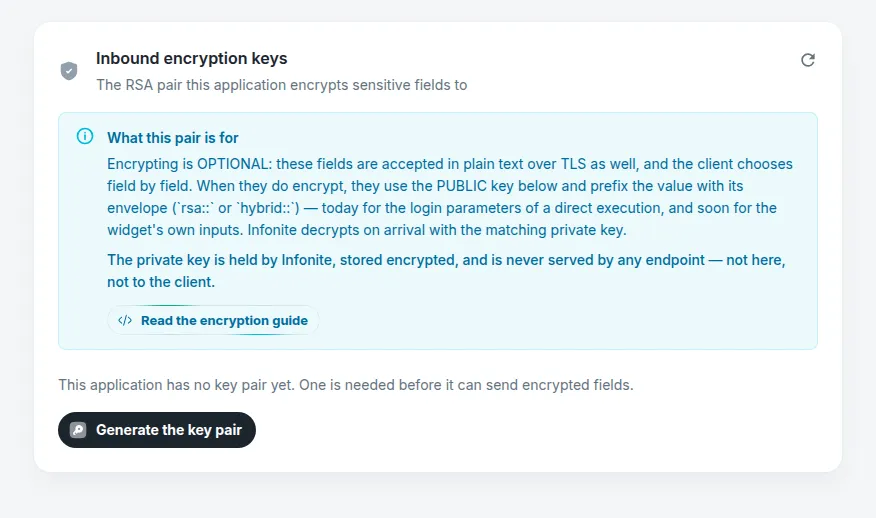
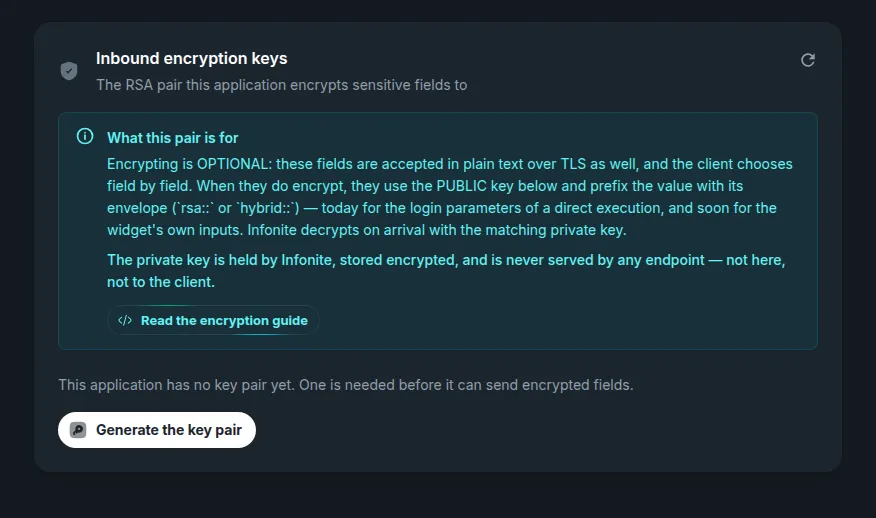
Generate the pair — once
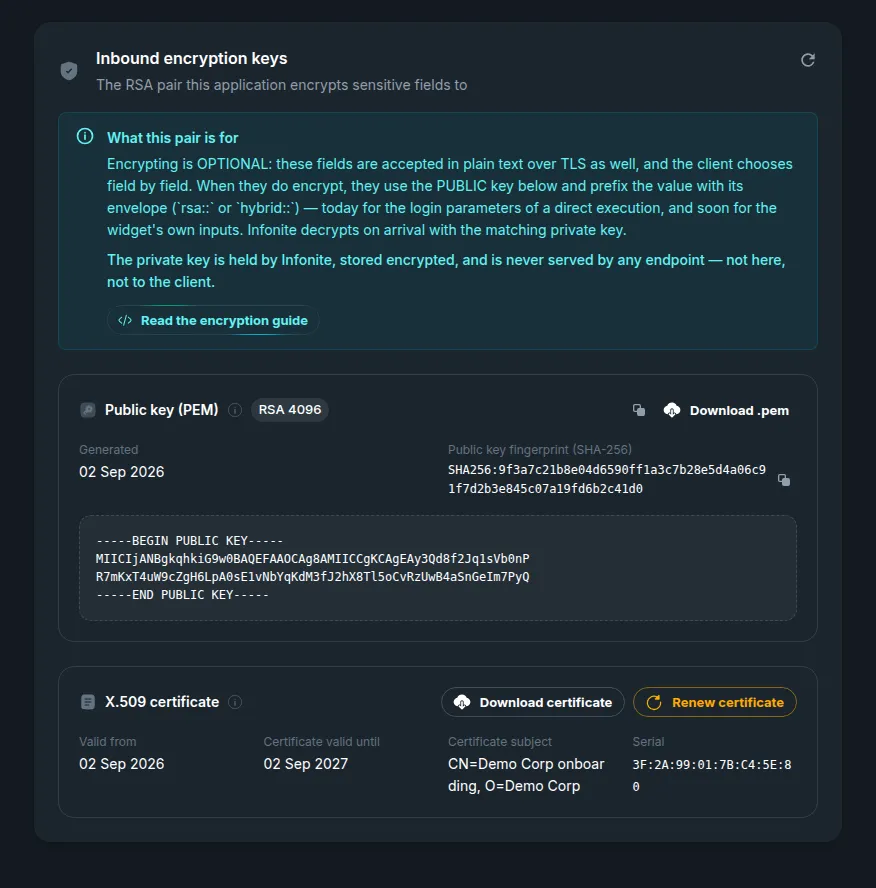
One press, no form. It mints an RSA pair: the public half appears in the card, the private half stays with INFONITE, stored encrypted and served by nothing — not to this screen, not to anyone. It is not a rotation: once a pair exists, it stays.
What is the certificate for?
Some tooling expects a certificate rather than a bare key. The X.509 certificate in the card wraps the same public key for that tooling — it is the only part with dates. When it nears expiry, Renew certificate issues a new one over the same key: nothing you already encrypted is affected, and nothing on your side needs re-keying.
Everyone with a seat can read this screen — it only ever shows public material. Creating and revoking secrets, and generating the pair, need the organization manager role, and are read-only while the application is locked.