

Direct Executions dashboard
How your executions went — the rate, the outcomes and the engines, over the window you choose
Products → Direct Executions is the screen that answers “how is it going?” for everything your application runs server to server. It is a dashboard, not a log: it counts executions that have finished and been consolidated, and turns them into a rate you can read at a glance.
What is not in these numbers. Sandbox executions are never counted, and neither are executions still running — an execution joins the dashboard once it has closed. For the executions themselves, one by one, the Operations screen has the listing.
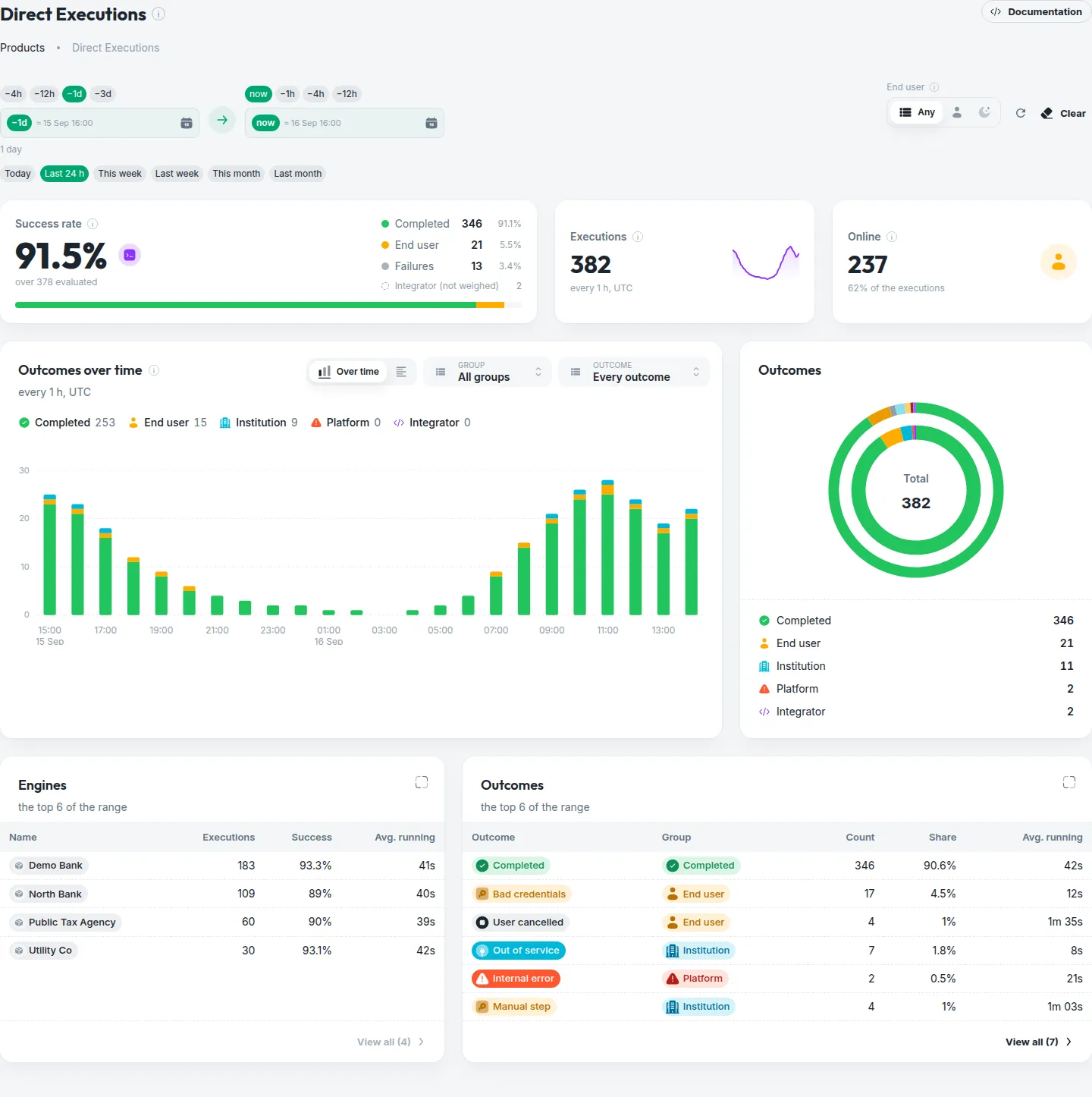
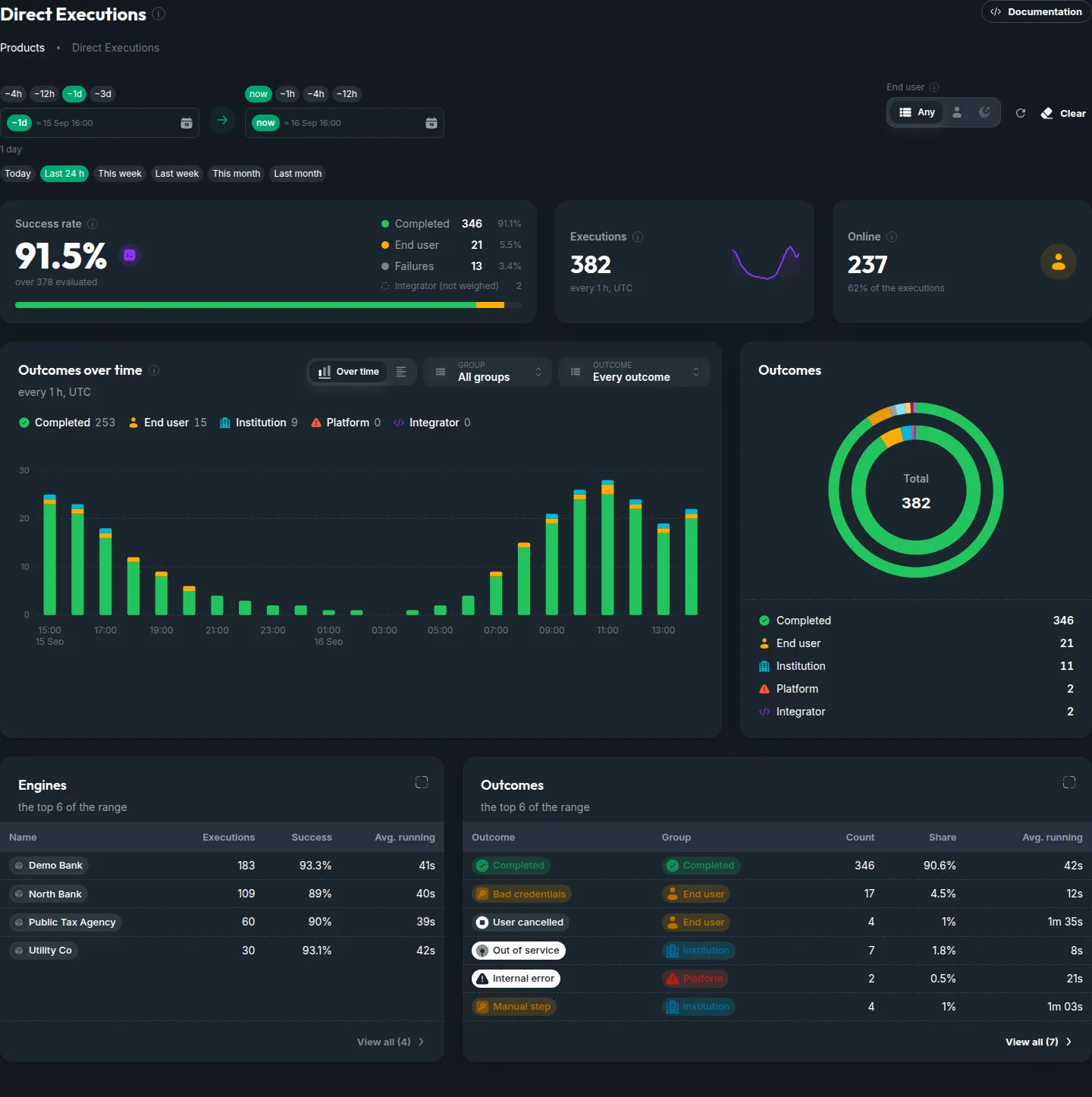
The screen, top to bottom
The window and the presence
A date range, to the hour, with quick presets beside it. And a switch for who was there: executions where the end user was present — online — or ones that ran unattended. Everything below follows these two choices.
The rate
The success rate over the executions that count for it, split by who ended each one — the institution, the person, your integration or the platform — with the totals and the online share on the tiles beside it. This is the number to watch.
Every tile and chart carries a small ? — click it for what exactly is being counted. The definitions are the same ones the execution lifecycle page uses, so an outcome on the dashboard is the same word your webhook delivered.